Why should I preview artwork in KASEMAKE
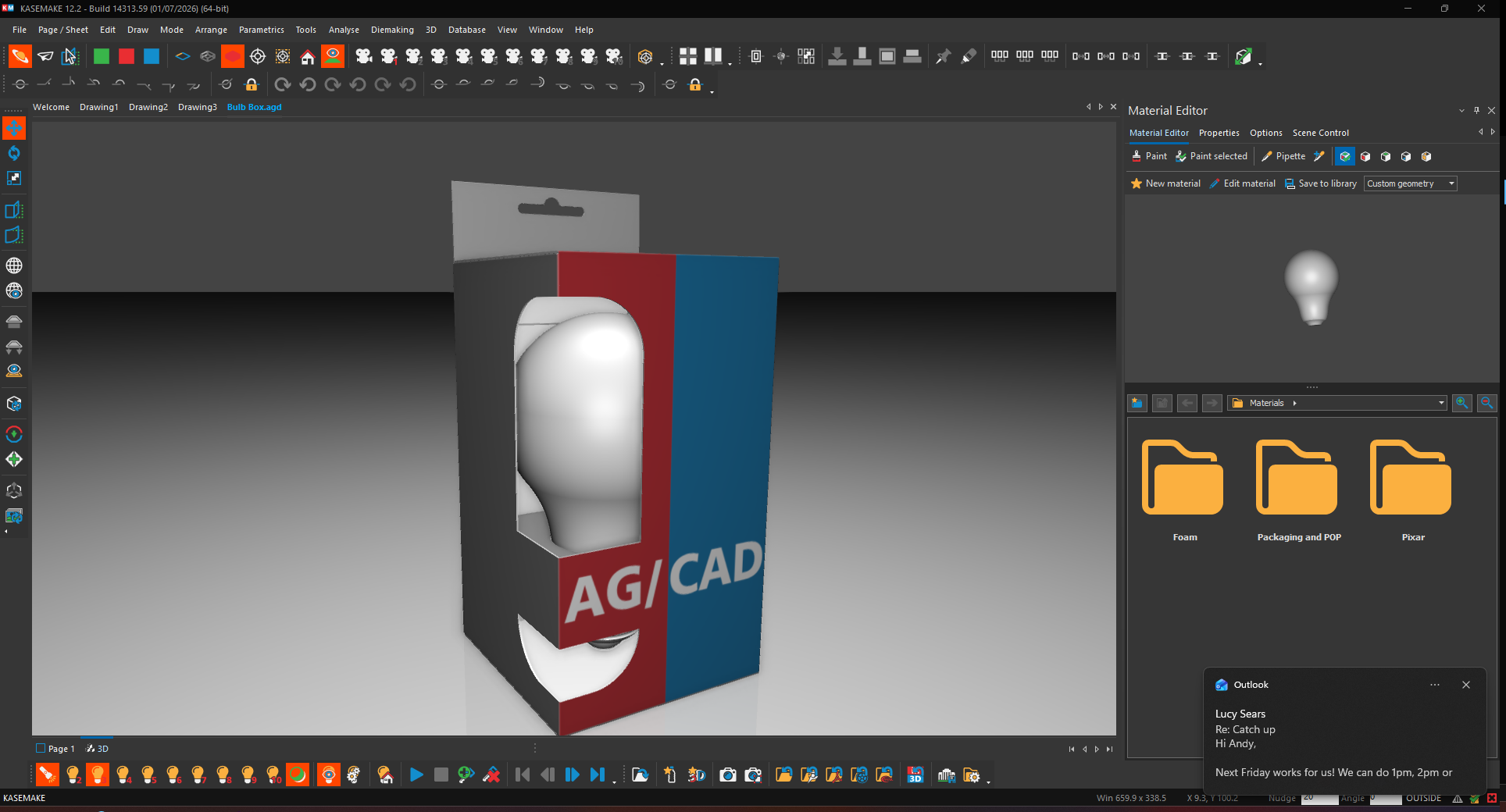
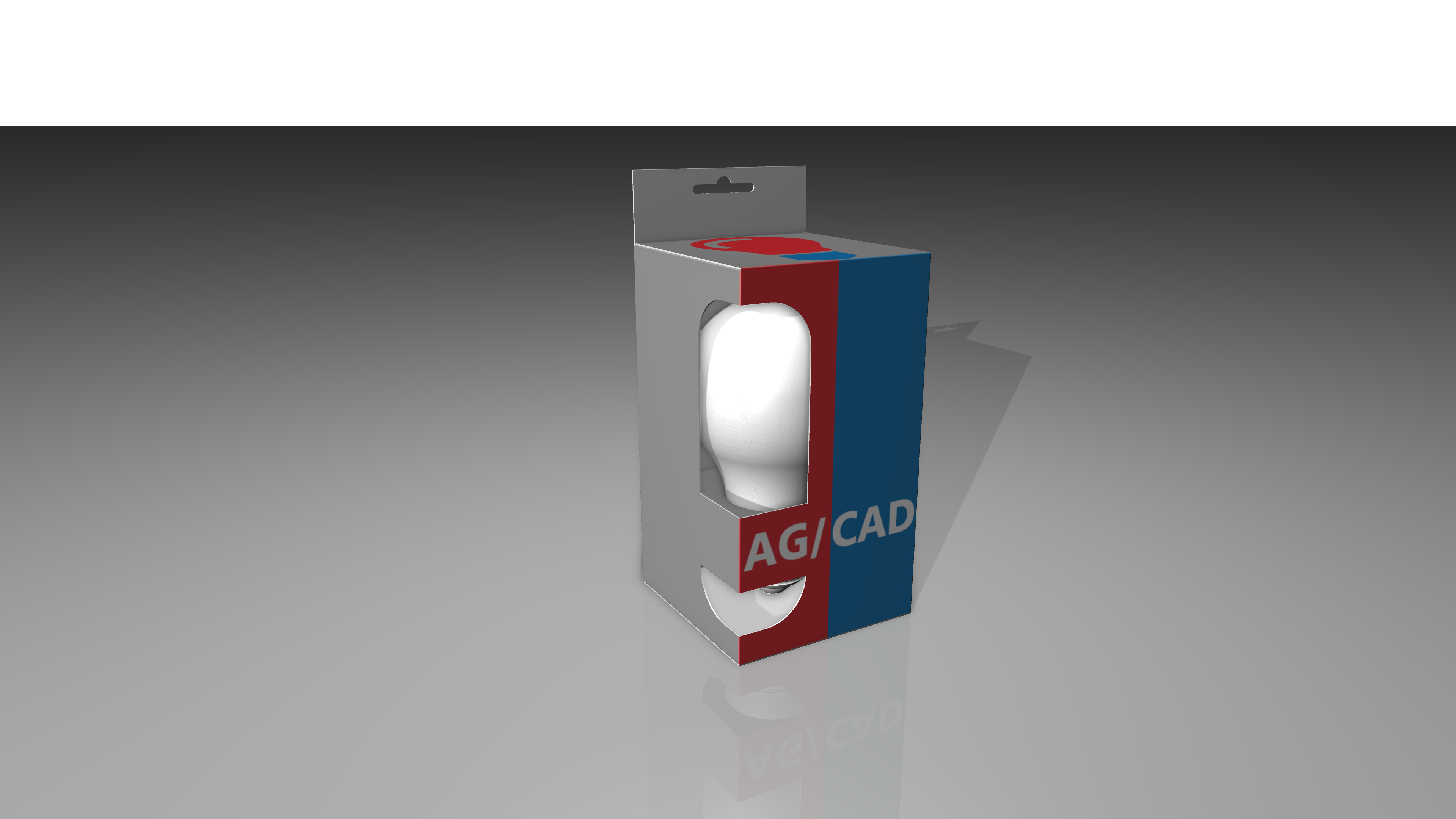
When creating a design for a customer featuring printed artwork be that corrugated or carton. Mistakes can be costly and embarrassing. KASEMAKE can help prevent this allowing you to preview how your artwork will look at any angle in any position. You can use this to catch mistakes and even send designs to your customer for them to approve.
How can KASEMAKE help?
KASEMAKE allows you to import you artwork and preview it on a fully foldable 3D model, letting you see your design from every angle in every position. No need for a physical sample to make checks. You can send screenshots. Or even export as a 3D interactive PDF!
How do I add my artwork?
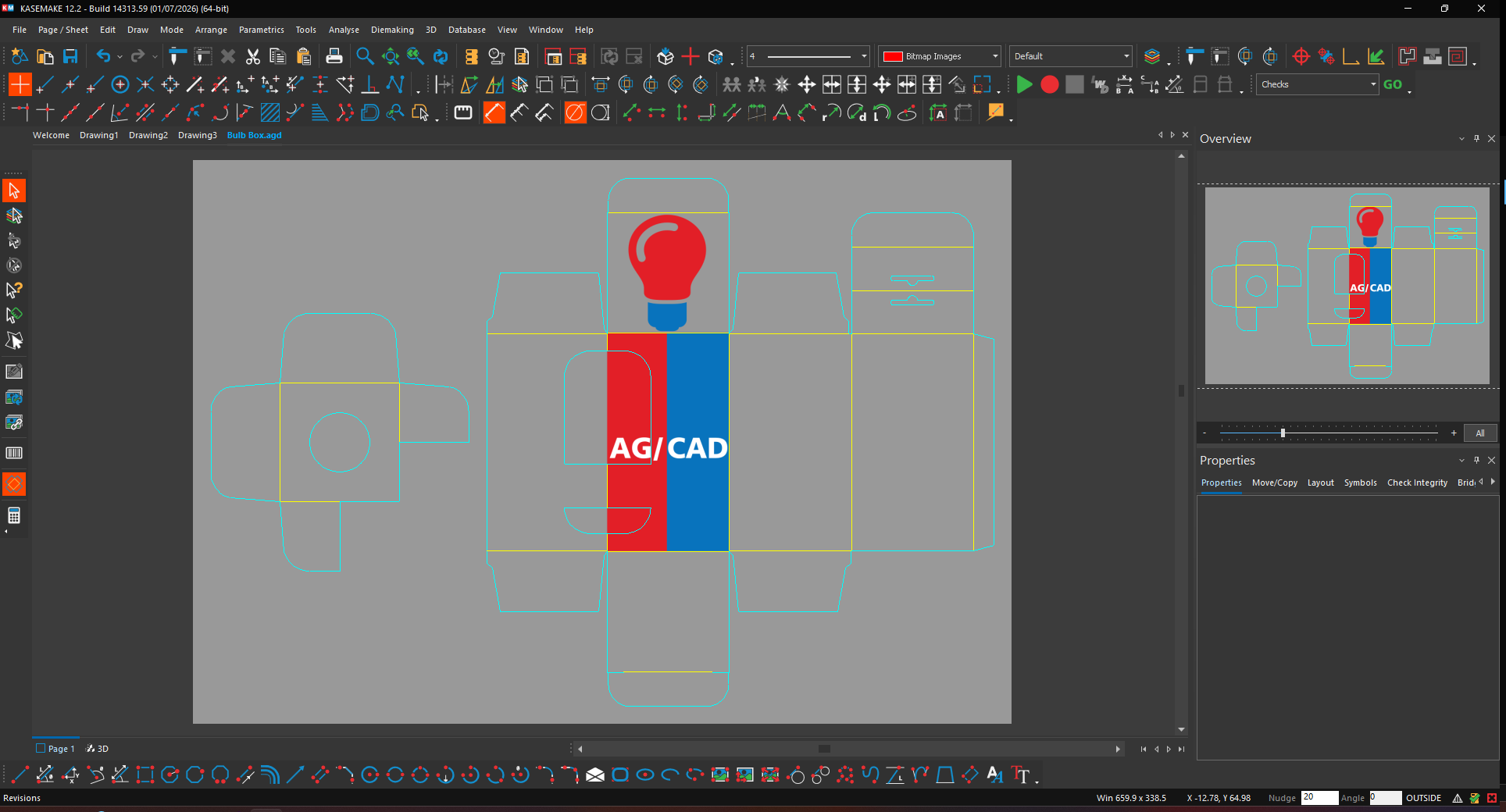
Adding artwork in KASEMAKE is easy, just follow these simple steps: First make sure you have your template and your artwork ready. Then press the insert artwork with bleed button. This will open the file explorer, just choose the correct artwork file open it and add. You should now be able to see your design on screen. To check in 3D simply just generate the design in 3D as you would any other. Once in the 3D you can fold, move and manipulate the box to check your design from every angle. You could even add a model to check how it looks with its desired contents in situ.
What if I need to make a change to the artwork?
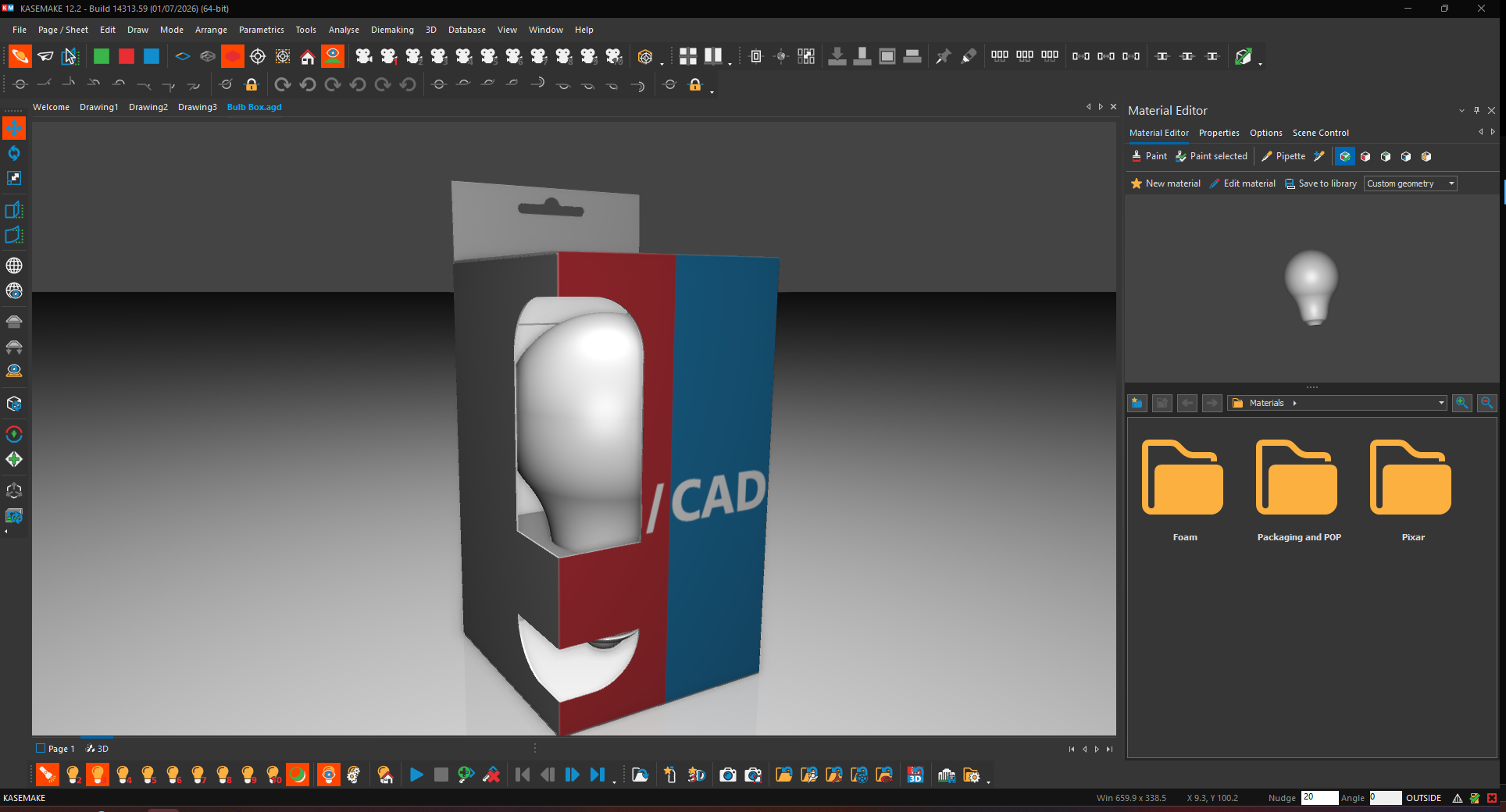
No problem just update the file with the corrections and then hit the refresh artwork button, KASEMAKE will do the rest! Any changes you have made in the 3D will remain be that animations models or just quick lighting change the refresh artwork button is designed to keep your work as is and allow to just quickly update the art.