
KASEMAKE is the UK's most popular Packaging Design Software
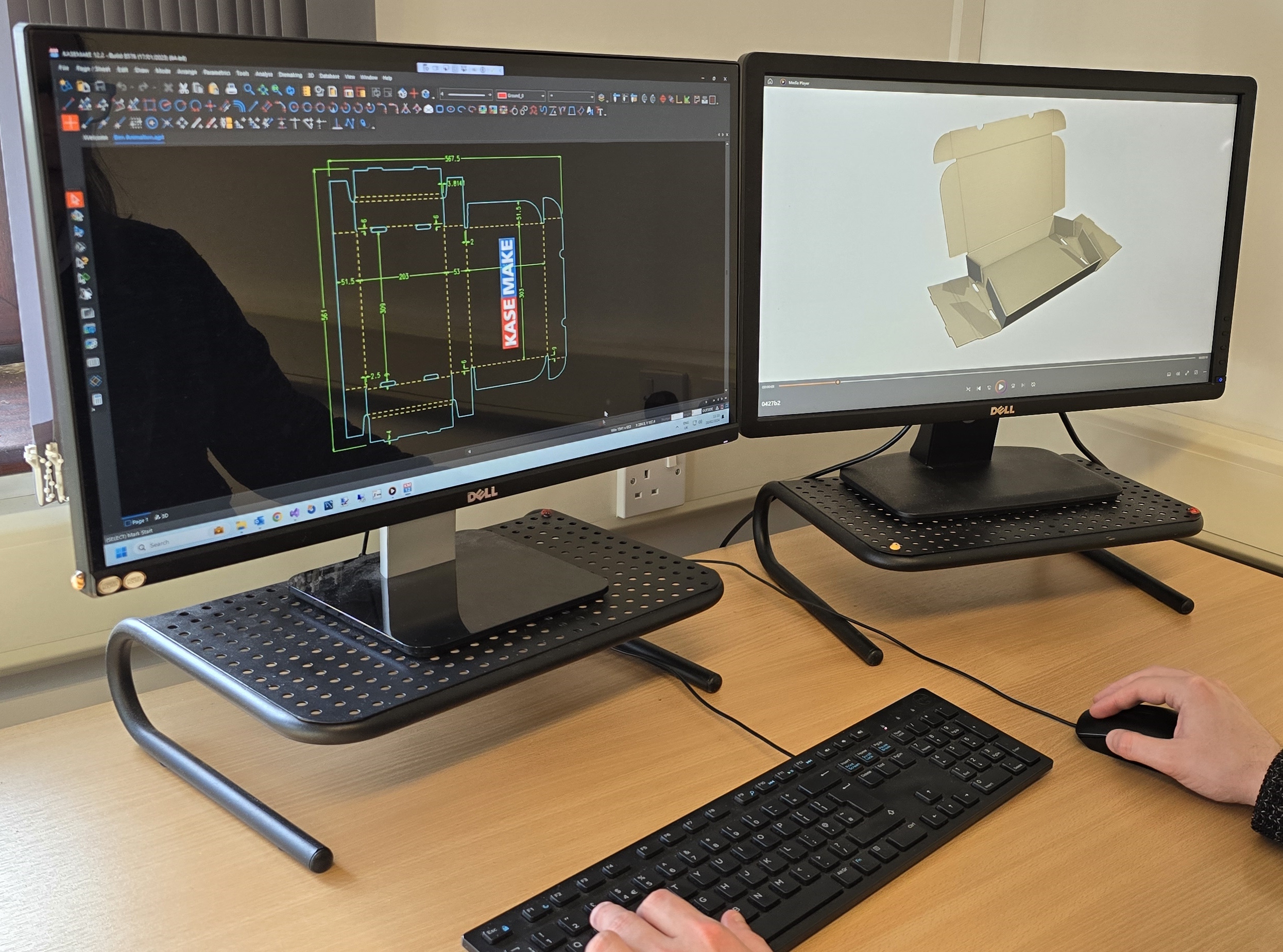
Easy-to-use drawing tools for packaging design
KASEMAKE is a CAD application designed specifically for packaging and POS / POP display designers,
with drafting tools tailored to the needs of CAD designers in the packaging industry.
KASEMAKE includes all the tools you need to produce structural designs which you can rapidly fold to generate 3D virtual samples.
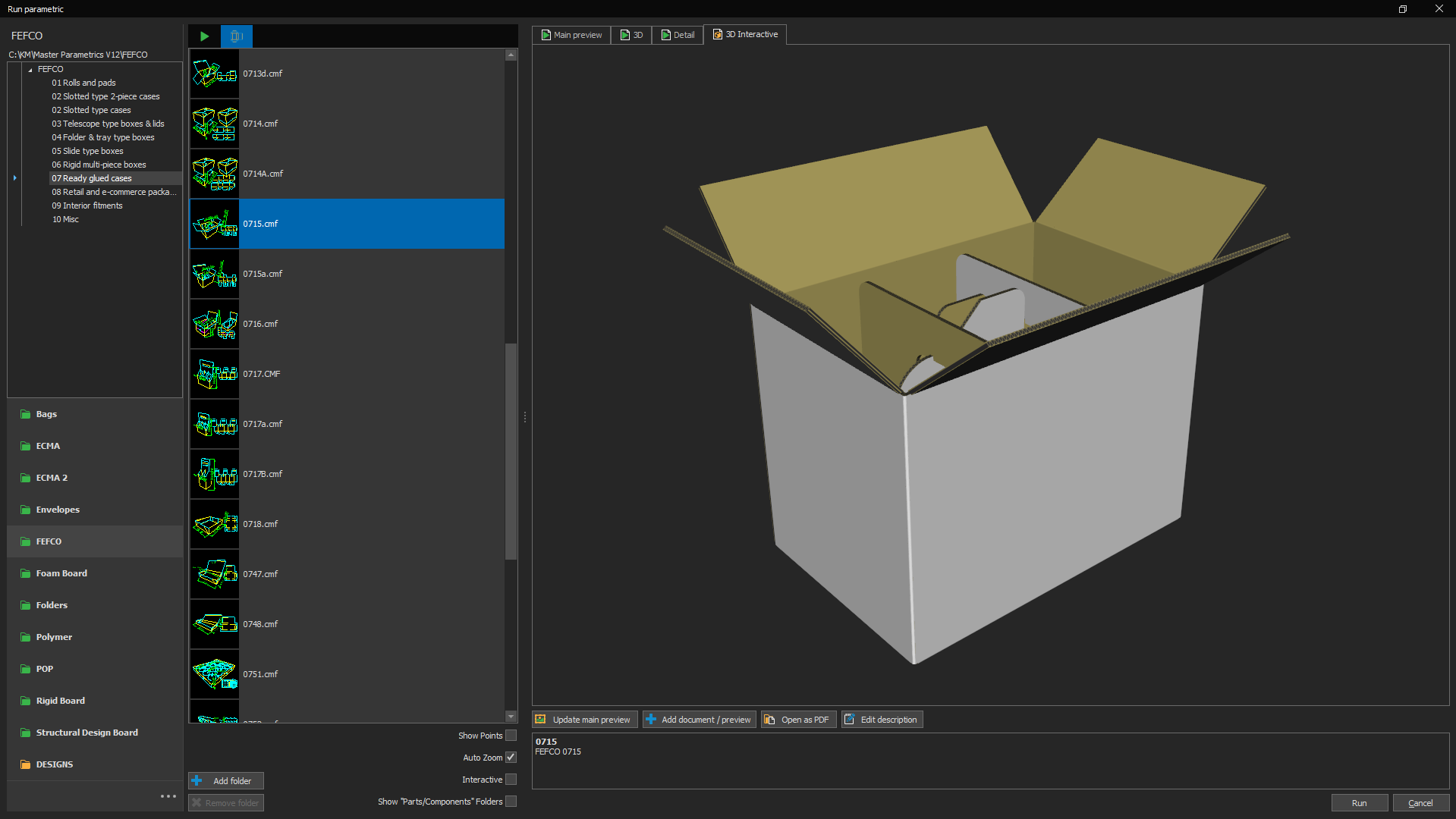
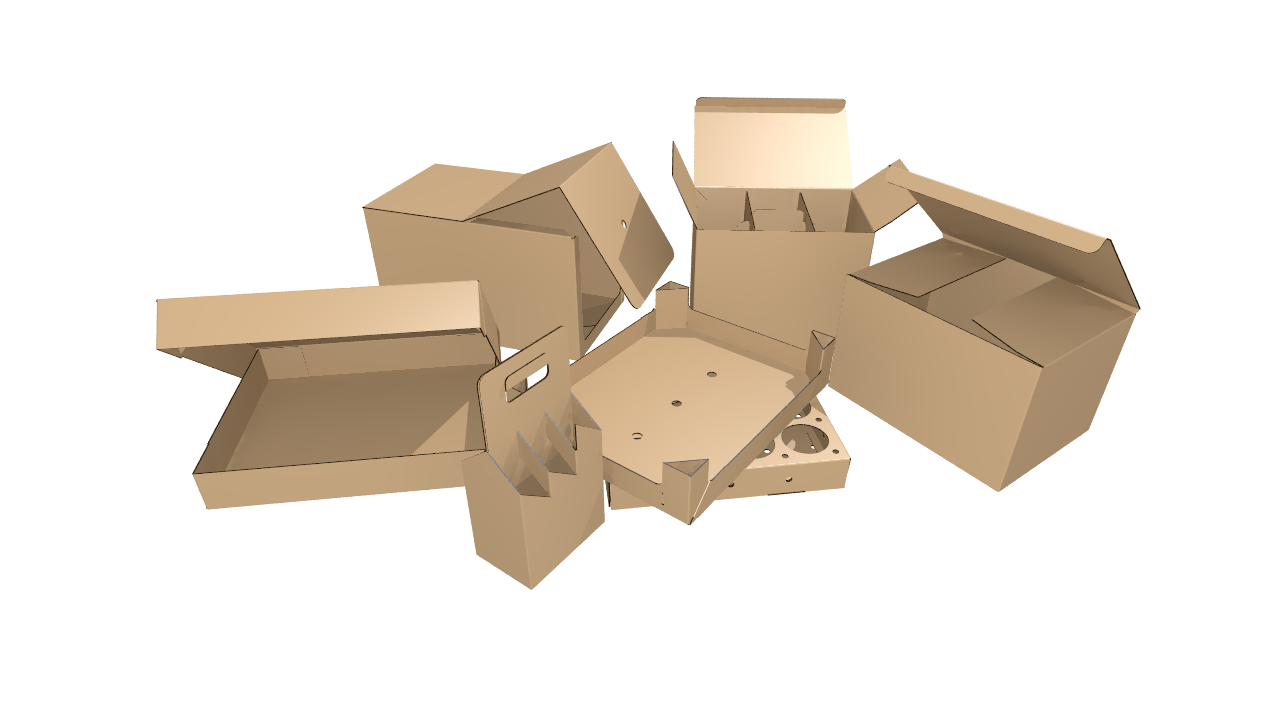
Includes over 800 parametric standards
KASEMAKE includes fully customisable parametric standards for corrugated and folding carton packaging, point of sale / point of purchase displays, and more.
Simply enter your dimensions and board grade, and KASEMAKE will generate a complete dieline / drawing for you.
Realistic, realtime 3D visualisation
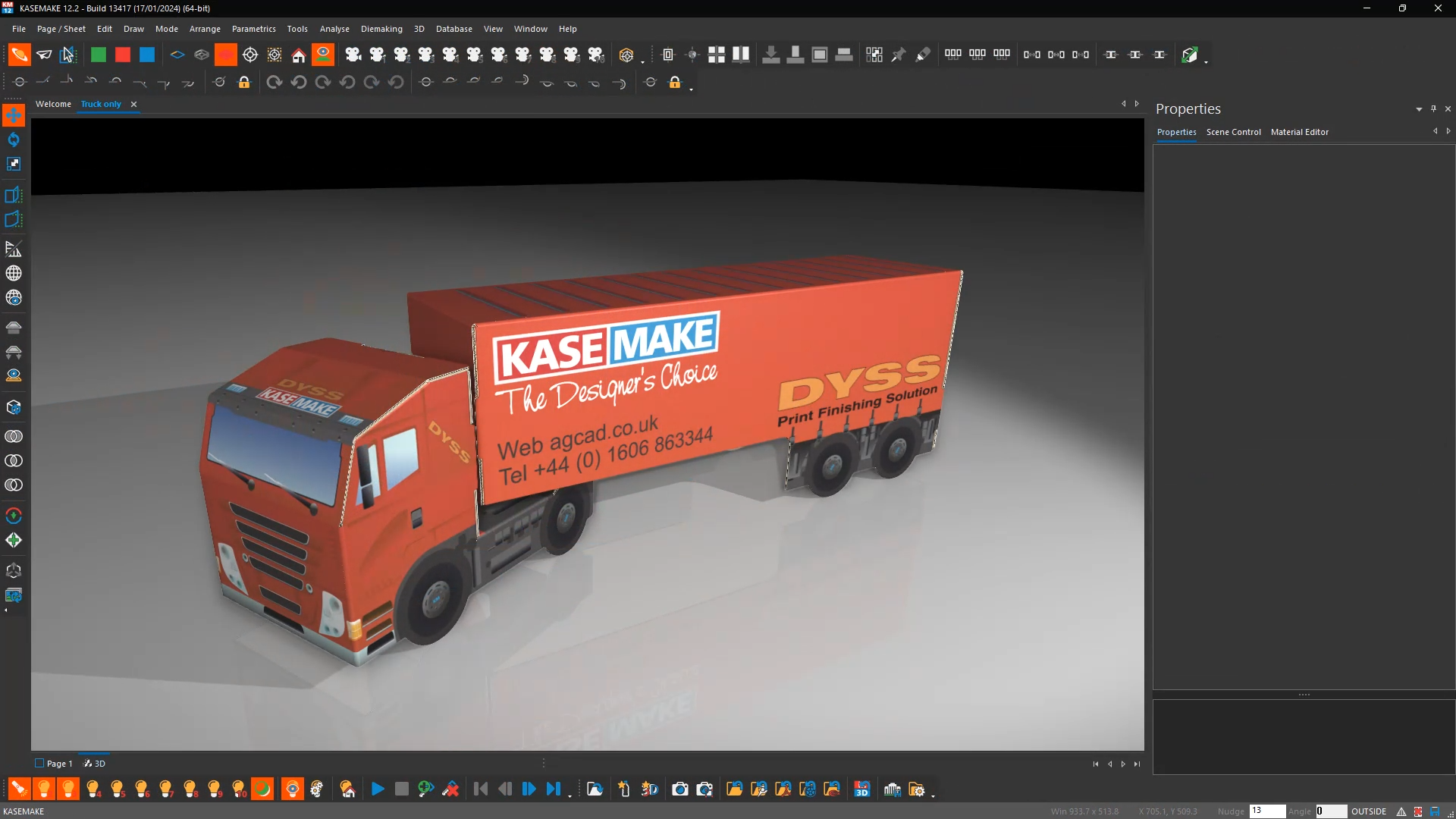
KASEMAKE enables you to present your packaging designs to your customers for structural and artwork approval; and to verify your structural designs before sample making or production, avoiding costly mistakes.
KASEMAKE includes features you would expect to find in a high-end 3D drawing application such as lighting, shadows, reflections, ray-tracing, exports to other packages, and animation.
KASEMAKE links with artwork design packages
Artwork can be applied to your structural designs in KASEMAKE, linked to a graphical design package such as Adobe Illustrator® or CorelDRAW®.
When you save artwork in your graphics package, KASEMAKE will automatically update the artwork applied to your structural designs in both 2D and 3D.
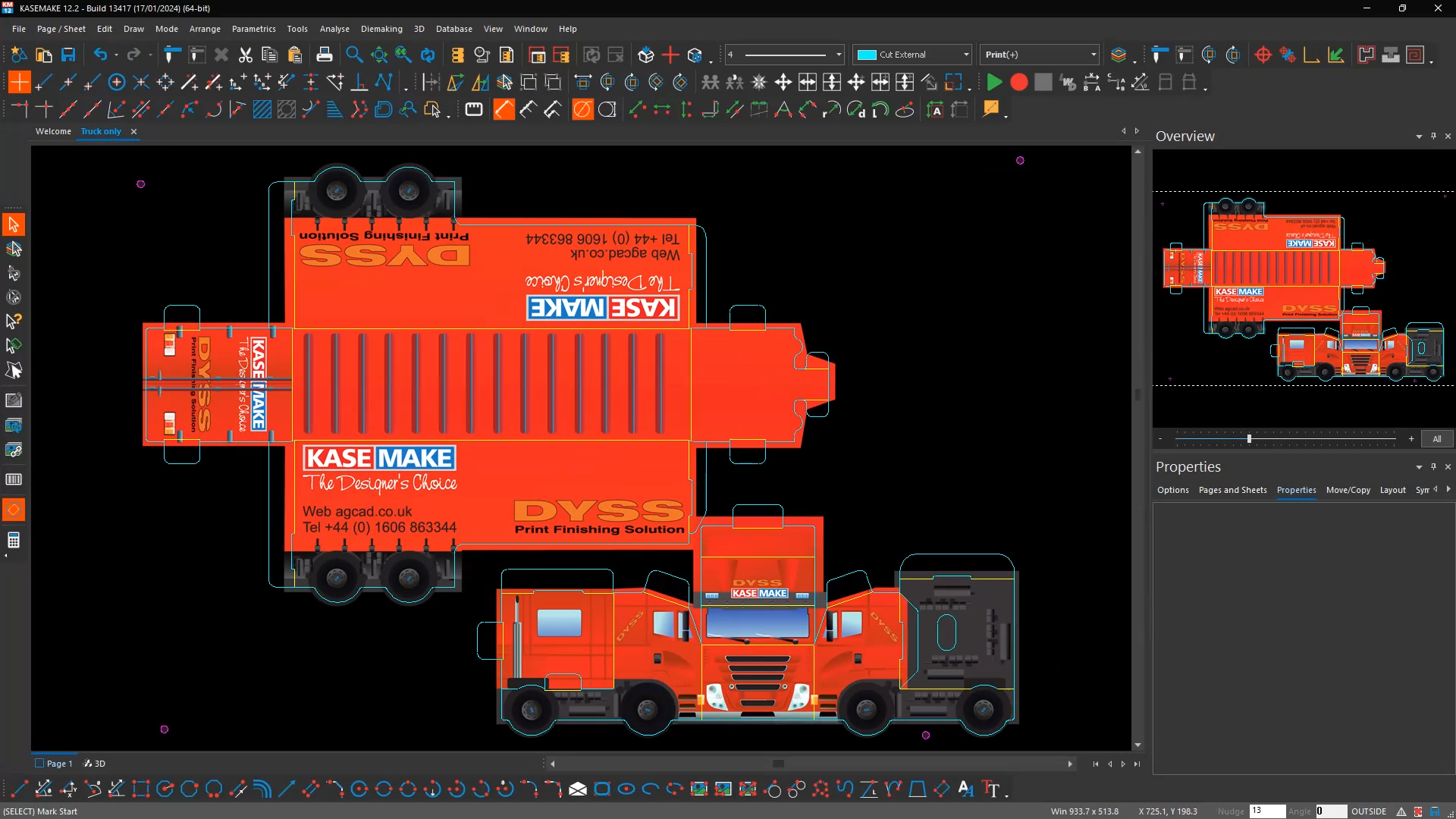
KASEMAKE Database System
KASEMAKE is backed by a full design-database system, which enables you to manage your designs, customers, and design workflow.
You can search previous designs by customer, product, or any other criteria you choose. You can schedule design work, and track the progress of work throughout the structural and artwork design process.
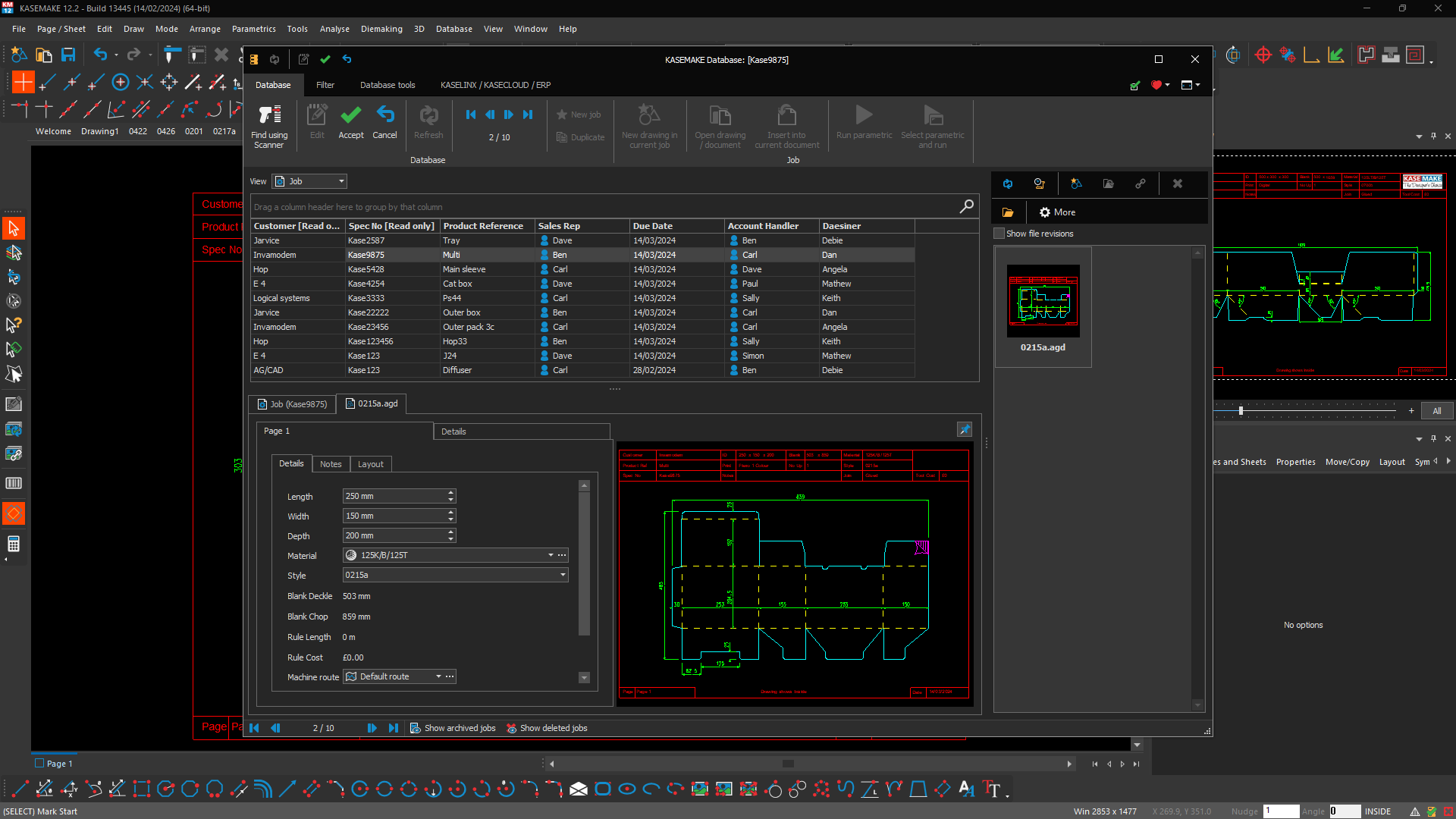
Wastage, Costing and Material Optimisation
KASEMAKE includes all the tools necessary to find the most efficient use of materials in order to minimise wastage.
This includes the ability to nest multiple designs on a single sheet. We also include a range of tools to help you cost your designs.
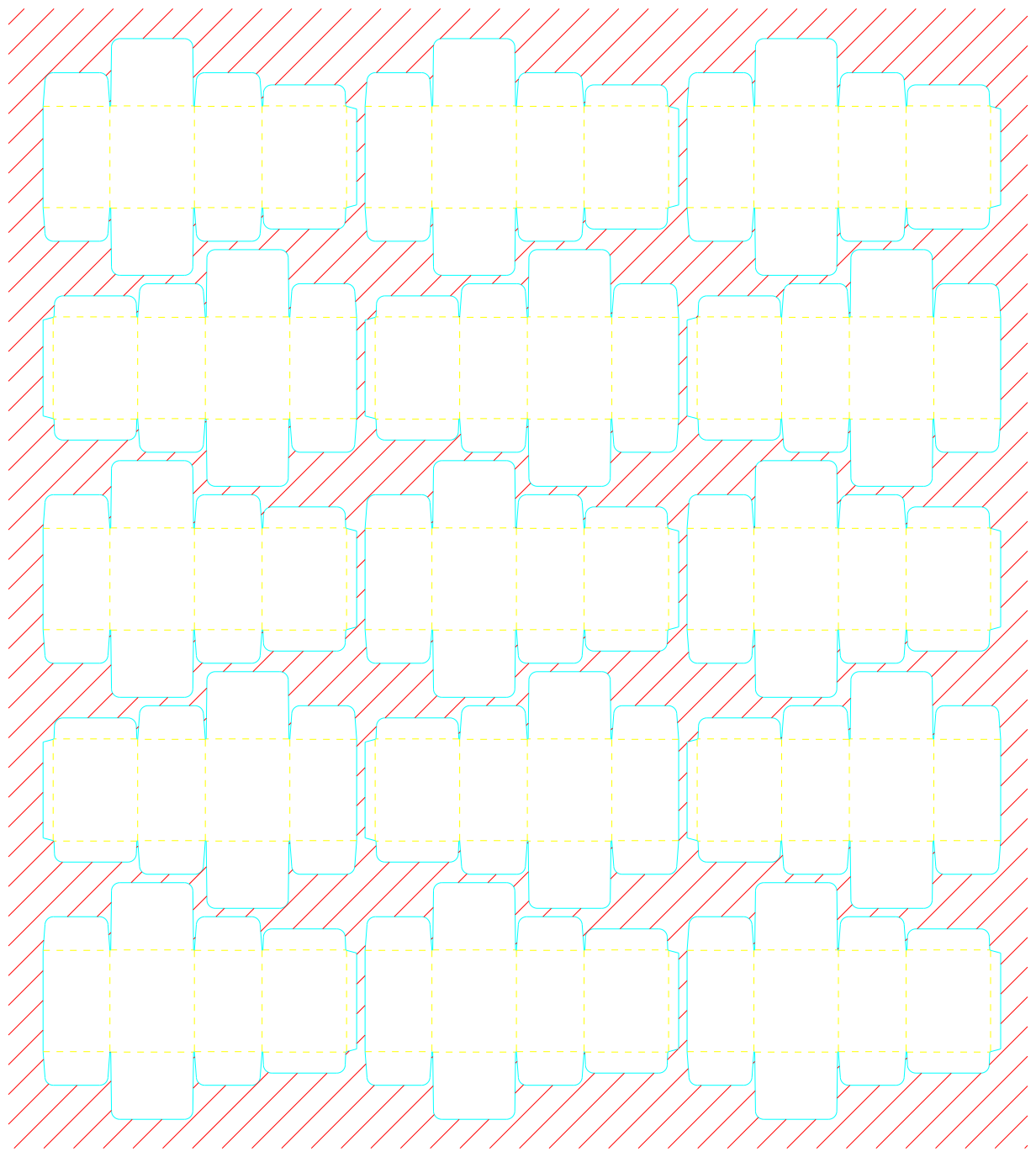
Compression Estimation
KASEMAKE includes advanced theoretical compression tools to help you estimate the compressive strength of your designs, to ensure that they will withstand palletisation and the rigours of the distribution cycle.
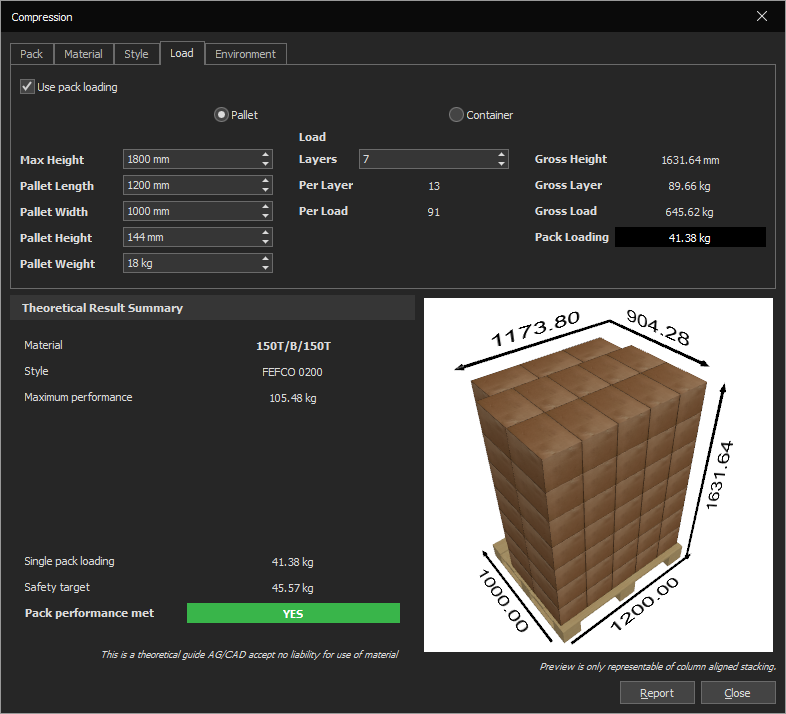
Die Making
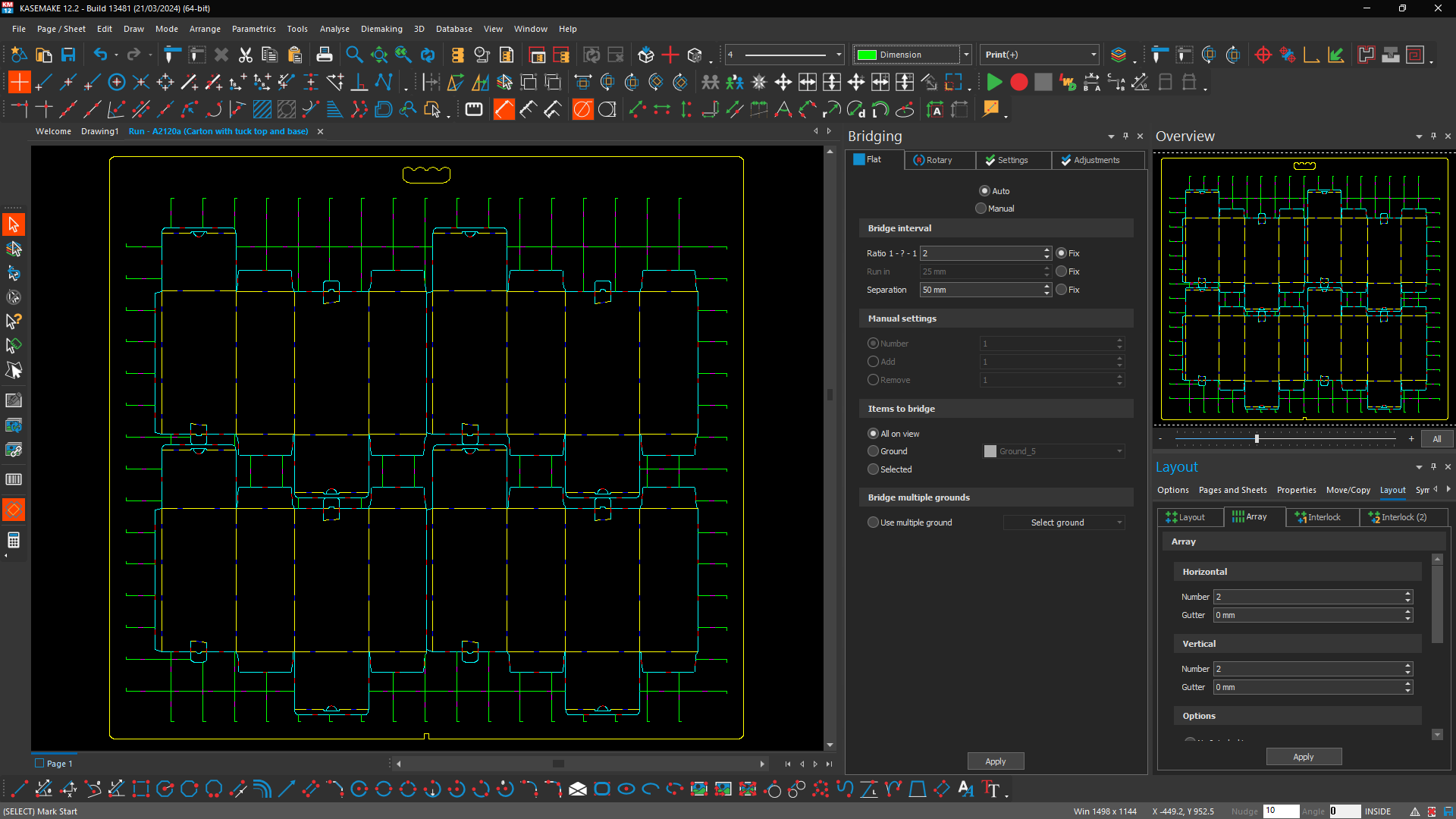
KASEMAKE enables designers to quickly make both flat and rotary dies, and to export designs to a wide range of Die Making machines.
Clip strip fixings are included in KASEMAKE to drop straight into your designs.
Internal and external waste stripping tools are included, along with all common functionality you would expect from
a die design software package such as bridging, cut and crease, and perforation.
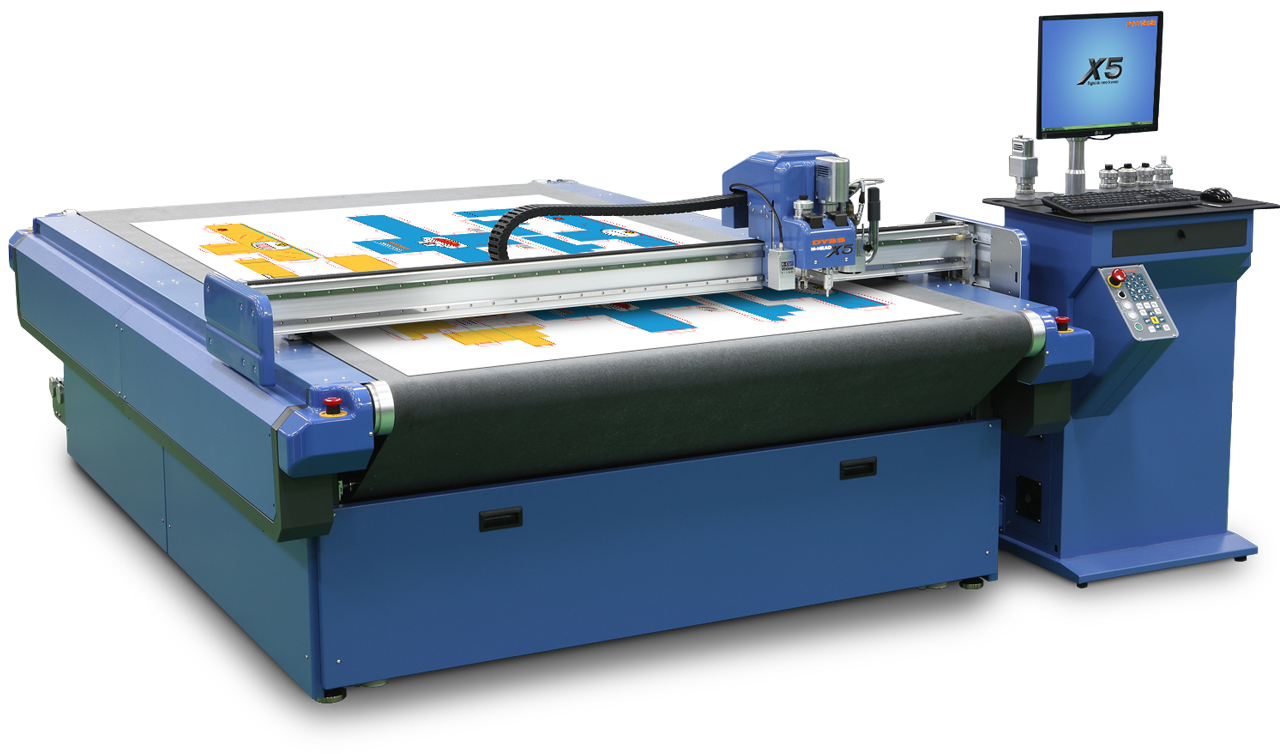
KASEMAKE drives cutting tables, lasers and routers
We already support a wide range of packaging-related machinery, but even if your machine is not yet supported we can work with you to create a KASEMAKE driver to get you
up and running quickly.
Watch the KASEMAKE design workflow from conception to completion ...
Find out for yourself why KASEMAKE is the UK's favourite Packaging Design Software
KASEMAKE has an intuitive and user-friendly interface, making it accessible to both seasoned professionals and newcomers in the packaging design field. Its ease of use contributes significantly to a smooth learning curve and fast adaptation. Why not try if for yourself?Target a wide range of markets and applications with KASEMAKE
For Corrugated and Carton Board, Plastics, Point of Sale, Sign and Display,
Textiles, Leather, Rubber, Foam, and many others ...
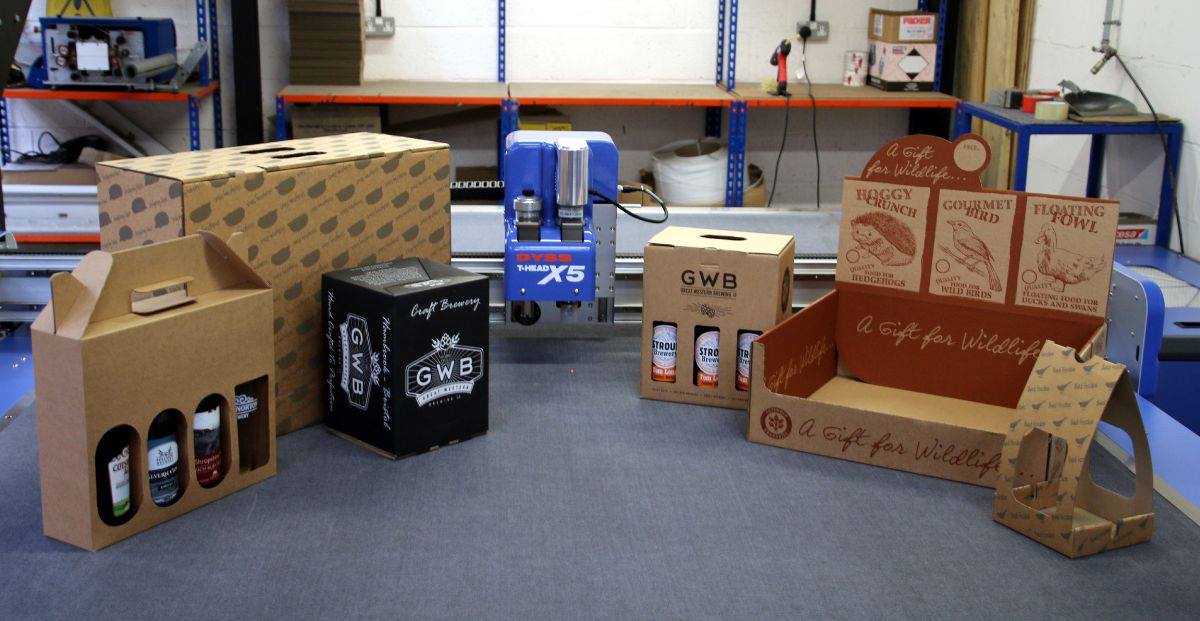
Specialised CAD software for Corrugated and Carton Board, Sign and Display, POS / POP
Training and Support
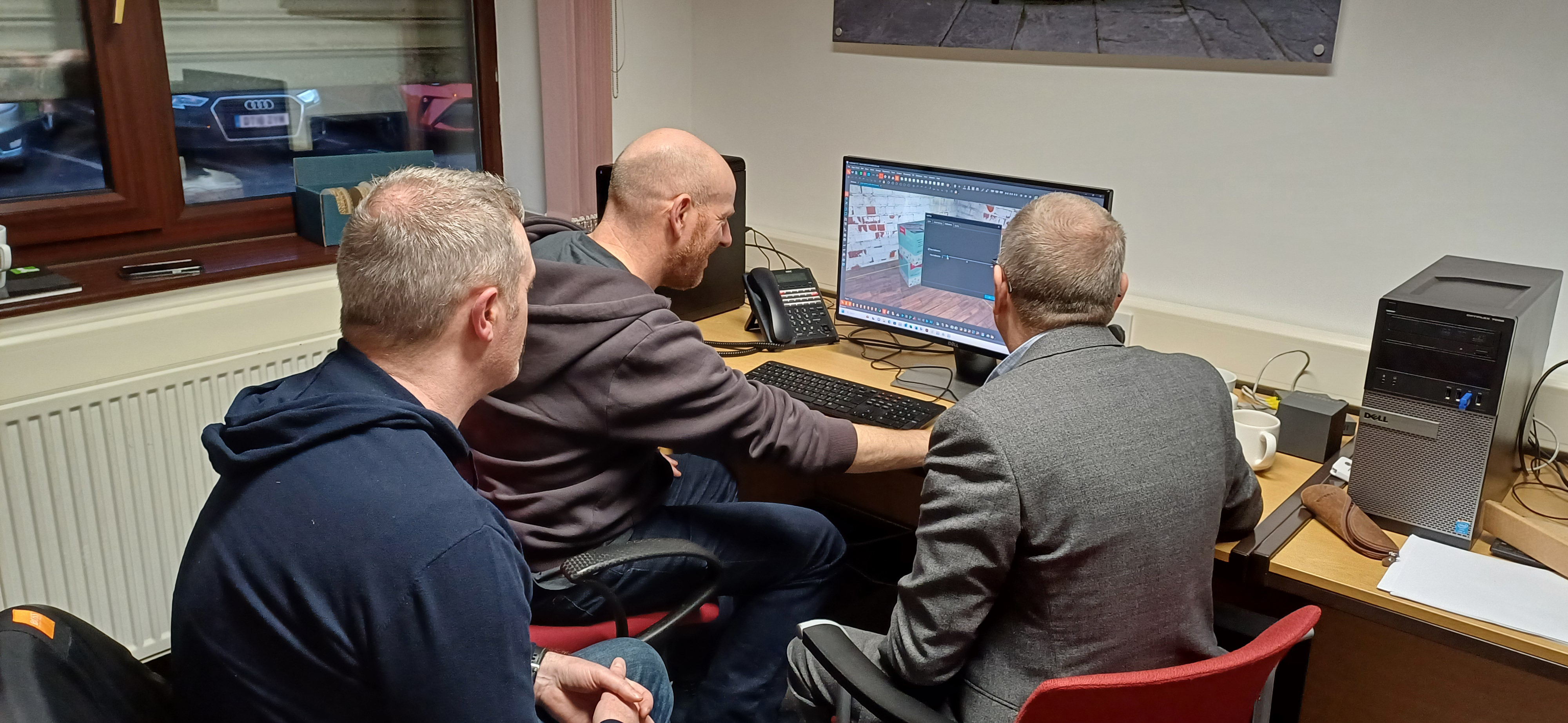
Cost-effective online or in-person training to make the most of KASEMAKE and your cutting tables,
tailored to your requirements
Responsive support from our UK-based technical support staff, software and field engineers
Make the most of your investment with professional training and support
Like what you see?
Ask AG/CAD About KASEMAKE
One of our product specialists will get back to you ASAP (Typically within one working day)